Choose your spot.
Set your iPhone or iPad on a stable mount. Draw a box around the area you want to watch, or choose Sound mode.
The cat on the counter. A package at the door. A visitor at the bird feeder. Tell Snitch what matters, and get an alert when it matches.
iPhone & iPad · iOS 26.5+ · In-app purchases
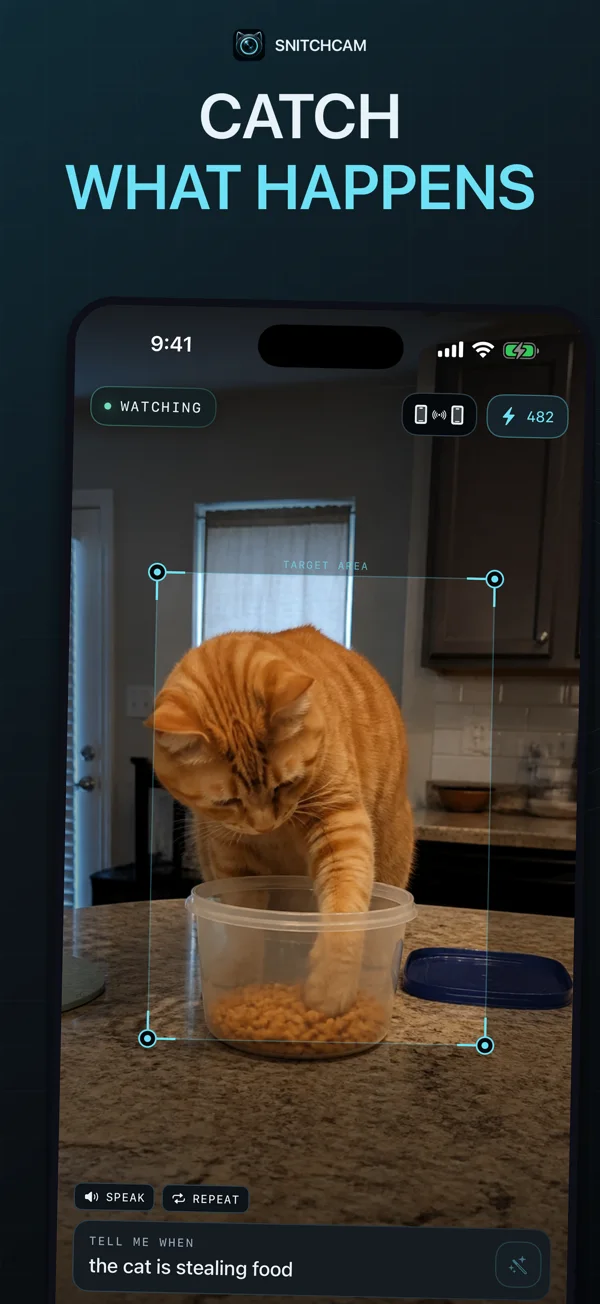
Set your iPhone or iPad on a stable mount. Draw a box around the area you want to watch, or choose Sound mode.
Describe something visible or audible: “the cat is on the counter” or “a dog is barking.” Test it in your actual setting.
Keep the monitoring device awake with Snitch open. Local motion or sound detection prompts an AI check against your condition.
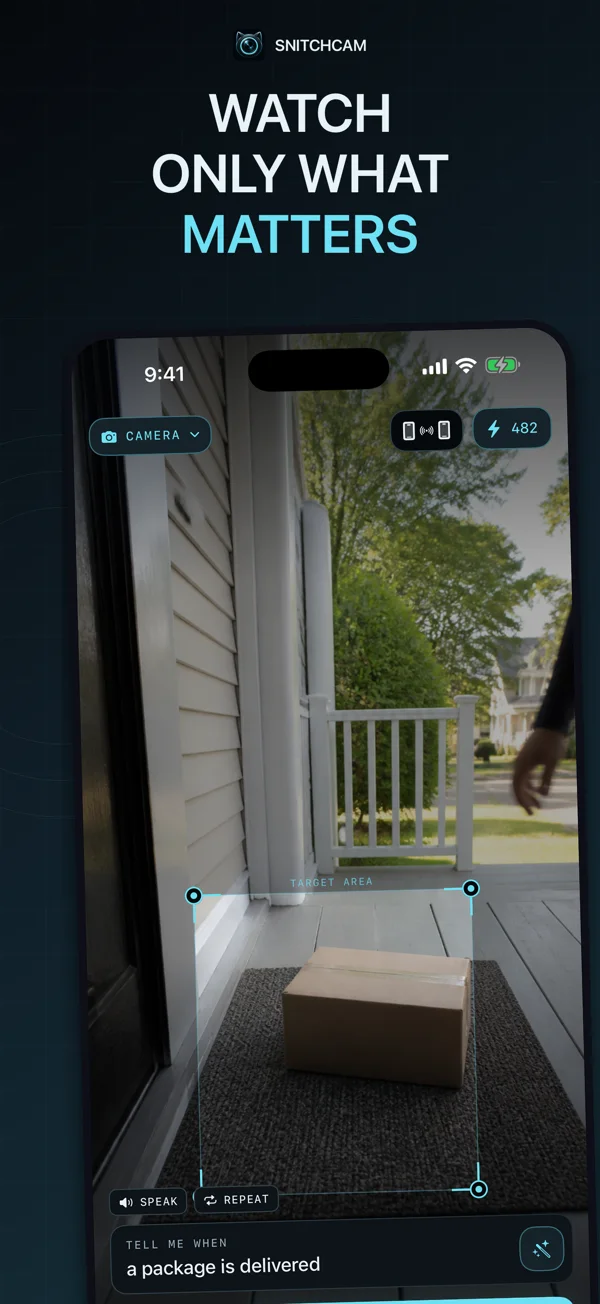
Focus camera checks on the part of the scene that matters. In Sound mode, describe the sound you want to catch.
Choose chimes, vibration, or spoken alerts. Receive alerts on Apple Watch, or pair another iPhone or iPad as a receiver.
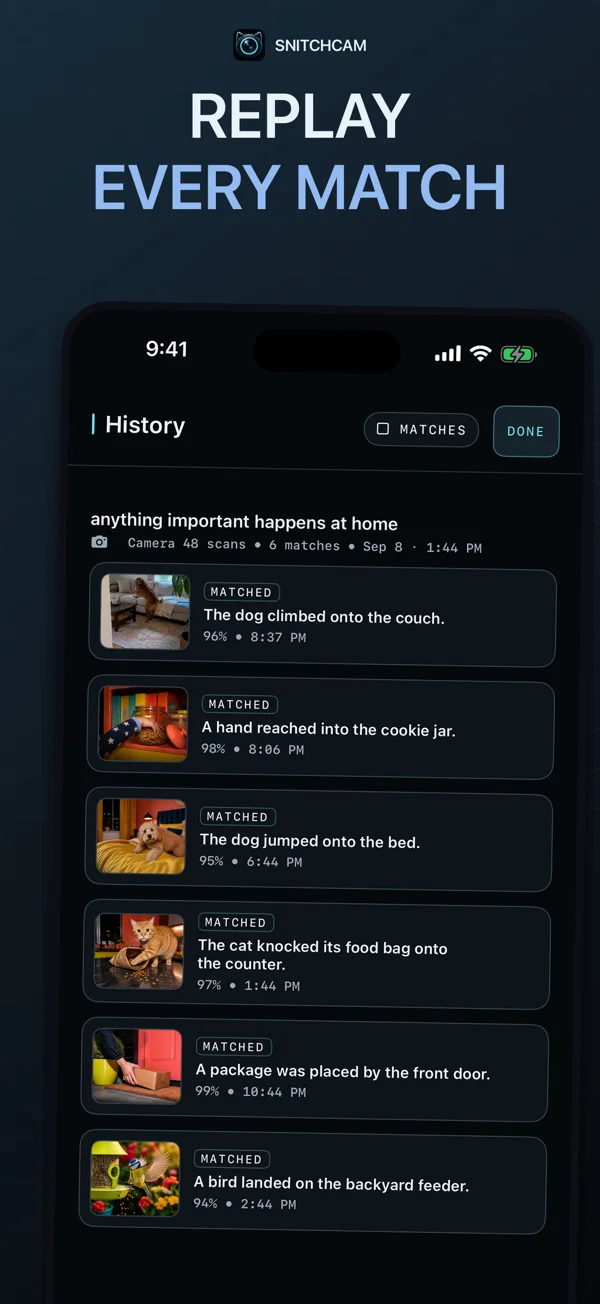
Review detections with explanations and confidence levels. Replay camera moments or audio clips, and inspect individual replay frames.
Motion detection stays on-device. AI checks send a selected image crop or short audio clip. Optional paired sharing encrypts shared events; there is no continuous cloud video feed.
Set up a spare iPhone for useful camera alerts: placement, power, internet, a watch area, and a specific trigger.
Read the guide →02 ↗PetsWatch for a cat on a counter or a dog on a couch with a clear condition, a useful camera angle, and a tested alert.
Read the guide →03 ↗DeliveriesFrame your delivery spot, describe a visible package, and test Snitch without relying on a continuous video stream.
Read the guide →Snitch is a motion and sound detector for iPhone and iPad. You describe a condition, and it uses AI to check whether a camera scene or sound matches after local activity is detected.
Yes, if it supports iOS 26.5 or later. Keep Snitch open and the monitoring device awake, stable, connected to the internet, and on power for longer sessions.
No. Camera checks send the selected crop for AI analysis, while sound checks send short audio clips. You can review event replays; optional paired sharing encrypts shared events.
Yes. Pair another iPhone or iPad as a receiver, or receive alerts on Apple Watch. Test notification delivery and your connection before relying on a session.
Snitch is free to download with in-app purchases. The app and App Store show the scan allowances, subscriptions, prepaid packs, and prices available in your region.
Snitch is an everyday observation tool. Detection and alerts can be missed or delayed. It is not a replacement for security equipment, safety alarms, or supervision.
A spot. A condition. An alert when it matches.
iPhone & iPad · iOS 26.5+ · In-app purchases